Comparing Project Time Tracking Tools: 2026 Features & Costs
Compare the best project time tracking tools of 2026 — Symtime, Toggl, Harvest, Clockify, and Time Doctor — by features, pricing, and invoicing accuracy.
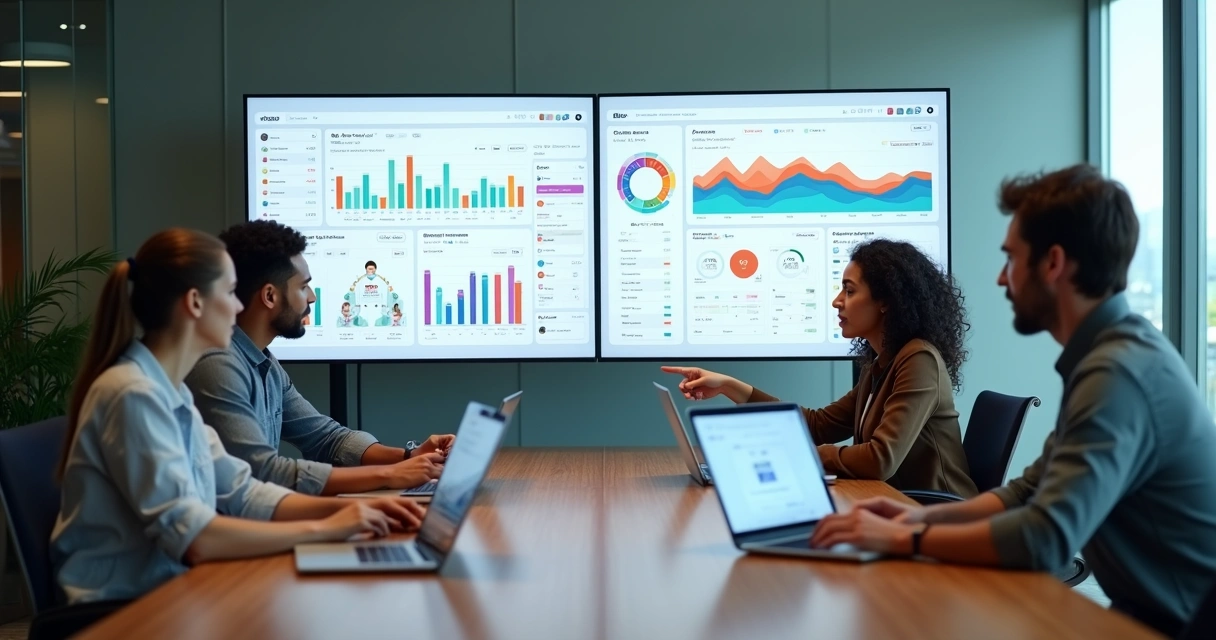
The time tracking software market has matured significantly. What once meant simple timers now encompasses integrated financial management, automated billing, team coordination, and real-time analytics. For teams evaluating options in 2026, the relevant questions are no longer “can it track time?” but “how well does it connect time data to project costs, client billing, and business decisions?”
This comparison examines what to look for, how leading platforms differ, and how to make a confident decision for your team’s specific context.
The Evolution of Time Tracking: 2026 Demands
Modern organizations — whether a two-person consultancy or a fifty-person agency — now expect tracking tools to deliver:
- Real-time budget calculations that show project cost as hours accumulate
- Flexible billing structures that accommodate different rates by role, task, or client
- Seamless project switching without friction that reduces logging compliance
- Integrated performance analytics that inform future estimates
- Remote-friendly collaboration that works across time zones and devices
Tools that offer only basic time capture have been displaced by platforms that connect time data to financial outcomes.
Six Features That Separate Good From Great
1. Accurate Time Entry With Project Context
Every time entry should link to a specific task within a specific project. This enables cost-per-deliverable analysis, billing accuracy, and meaningful reporting. Without project context, time data tells you how busy the team was — not where that time actually went.
What to verify: billable/non-billable tagging, audit trails, retroactive editing with approval workflows.
2. Live Project Cost Tracking
Real-time visibility into budget consumption changes how managers respond to overruns — from post-hoc correction to proactive intervention. If you only see project costs at billing time, you’re always reacting, never preventing.
What to verify: automatic cost calculation from logged hours, budget threshold alerts, margin visibility by project.
3. Flexible User Roles and Permissions
Teams grow. The permissions system that works for three people becomes inadequate at fifteen. Look for:
- Role-based access (admin, manager, member, viewer)
- Invoice generation rights separate from time entry rights
- Client-facing access without exposing internal data
4. Advanced Reporting and Analytics
Default reports answer generic questions. What you need are answers to specific ones: which clients generate the most profitable hours, which project types consistently underperform, where team capacity is being underutilized.
What to verify: custom filters, date range flexibility, export options, scheduled report delivery.
5. Integrations With Your Existing Workflow
A time tracking tool that requires manual data transfer to your accounting software, invoicing platform, or project management tool creates the administrative overhead it was supposed to eliminate.
Key integrations to check: accounting software (QuickBooks, Xero), project management (Asana, Jira), calendar (Google, Outlook), payment processors.
6. Intuitive Interface and Fast Onboarding
Adoption drives value. A platform that requires two weeks of training will see lower compliance than one team members can use effectively within an hour. The best tools are learnable through use, not through documentation.
Comparing Cost Structures
Three dominant pricing models exist in 2026:
Free Plans
Symtime provides a genuinely free tier for up to five users with project tracking, time logging, expense management, and cost analytics included. Most other platforms offer free tiers with significant feature restrictions that require paid upgrades to access invoicing or reporting.
Per-User Monthly Pricing
The most common model. Costs are predictable per head but can escalate as teams grow. Toggl Track and Clockify use variants of this model; pricing varies significantly by feature tier.
Flat Rate / Team Pricing
Some platforms offer fixed pricing for teams up to a certain size, providing cost predictability. Less common but valuable for teams with stable headcount.
What to calculate: total cost at your current team size, projected cost at 2x growth, and whether core features (invoicing, reporting, integrations) require paid upgrades.
Platform Profiles
Symtime
Free for up to 5 users with integrated project management, time tracking, expense logging, and invoicing. Designed for teams that need financial visibility without enterprise complexity. Paid tiers add capacity and advanced features as teams grow.
Best for: Freelancers, small agencies, and growing teams prioritizing cost control and billing accuracy.
Toggl Track
Well-established platform with strong reporting and a polished interface. Free tier available with limitations. Integrations are extensive; invoicing requires paid tiers or integration with billing tools.
Best for: Teams prioritizing interface polish and integration breadth.
Harvest
Focused specifically on time tracking and invoicing for project-based businesses. Strong billing features. No free tier beyond a limited trial; per-user pricing at paid tiers.
Best for: Teams whose primary use case is client billing from time logs.
Clockify
Generous free tier with broad feature access. Strong for basic tracking and reporting. Advanced features like budgeting and forecasting require paid upgrades.
Best for: Teams needing broad access on a minimal budget.
Time Doctor
Designed for monitoring employee productivity alongside time tracking, including activity tracking and screenshots. More surveillance-oriented than project-focused.
Best for: Organizations prioritizing employee monitoring over project cost management.
Real-World Impact: What Teams Report
Teams that move from manual tracking to integrated platforms consistently report:
- Automated cost calculation eliminates end-of-month billing surprises
- Flexible approval workflows allow tracking of contractors and employees in the same system
- Invoice generation time drops from hours to minutes
- Billing disputes decrease because clients receive time logs alongside invoices
The financial case is straightforward: the hours saved in administration, the revenue recovered from previously unlogged work, and the disputes avoided through documentation typically exceed platform costs within the first billing cycle.
Beyond the Timer: Professional Billing and Client Confidence
Modern clients don’t just accept invoices — they scrutinize them. Clear, itemized invoices that reference specific tasks and time logs build the kind of client trust that supports long-term relationships and repeat business.
The platforms that enable this connect time records to invoice line items automatically, allowing teams to send invoices with full documentation attached. This transparency reduces collection friction and demonstrates the accountability clients expect.
How to Choose: A Practical Checklist
Before committing to any platform, verify:
- Does it combine time tracking, project cost monitoring, and invoicing?
- Can our team learn it without dedicated training time?
- Does it integrate with our accounting and project management tools?
- Are the reporting features customizable to our specific questions?
- Is the pricing predictable at our current and projected team size?
- Is there a free tier to validate fit before financial commitment?
- Does it support mobile access for field or remote work?
Frequently Asked Questions
What is the best project time tracking tool for small teams? Platforms offering integrated time tracking, project cost monitoring, and invoicing on a free or low-cost plan provide the most value for teams under ten people. Symtime’s free tier for up to five users covers all three.
How does Symtime compare to Toggl and Harvest? Symtime differentiates primarily through its integrated cost tracking and project management features available on the free tier. Toggl excels at interface polish and integration breadth; Harvest specializes in billing for project-based work.
Is Clockify really free? Clockify offers a genuinely free tier with broad feature access, though advanced capabilities (budgeting, forecasting, priority support) require paid plans.
What should I look for beyond basic time tracking? Project-level cost tracking, invoice generation from time logs, flexible billing rates, and customizable reporting are the features that separate comprehensive project management tools from basic timers.
Try Symtime free for up to 5 users — no credit card required, full features included.
Ready to get started?