Features
Powerful Time Tracking Features for Teams and Freelancers
Everything you need to track time accurately, control project costs, and bill clients without the guesswork.
Powerful Time Tracking Features
Discover Features Designed to Supercharge Your Team's Productivity and Project Management
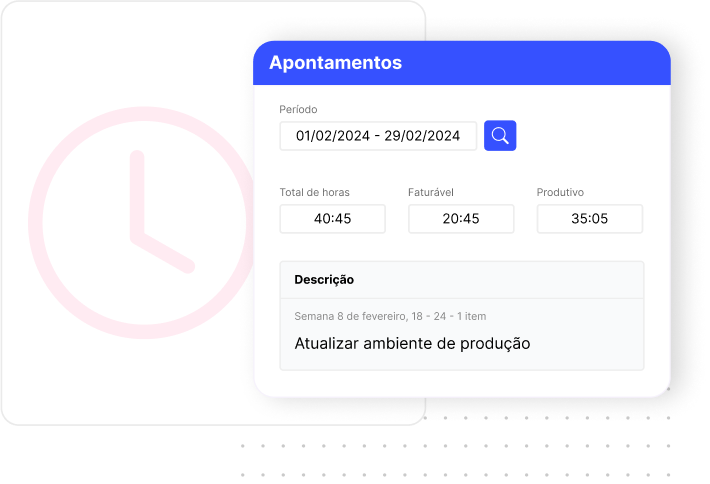

Smart Time Entries & Task Tracking
Log time for each task, client, and project in seconds with our intuitive time tracker. Perfect for freelancers and teams who need accurate time tracking for billing and productivity analysis.
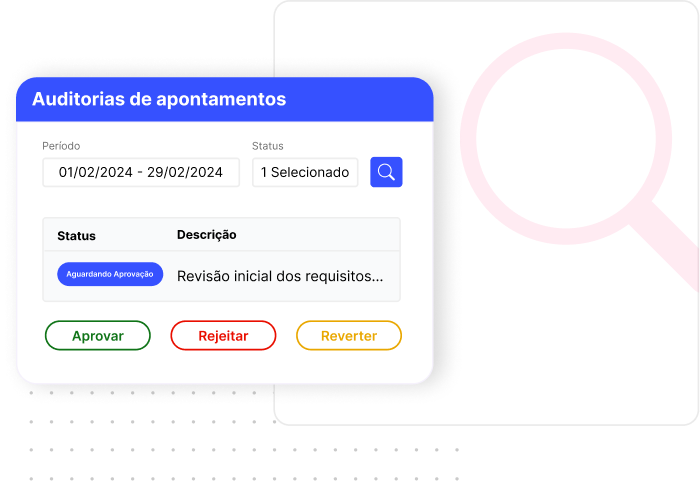

Easy Time Entry Auditing
Approve, reject, or adjust your team's time entries with full transparency. Ensure accurate time tracking and maintain complete control over project hours and costs.


Advanced Project Management
Manage multiple projects efficiently, balance team workloads, and maximize productivity with real-time project tracking and resource allocation tools.
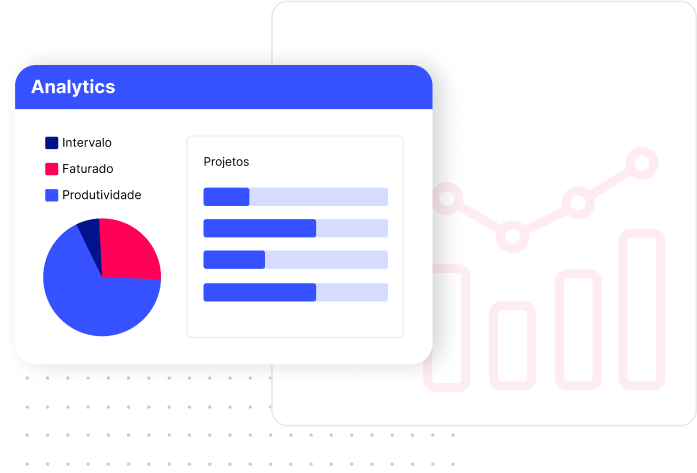

Analytics & Reporting Dashboard
Extract performance metrics, track project profitability, and visualize productivity data with clear charts and customizable reports for better business decisions.
All Features at a Glance
Built for teams that need accurate time data — from a solo freelancer to a 50-person agency.
Smart Time Entries & Task Tracking
Log time for each task, client, and project in seconds with an intuitive time tracker. Perfect for freelancers and teams who need accurate billable hours for client invoicing and productivity analysis.
- One-click timer start/stop
- Manual time entry editing
- Task and project assignment
- Billable vs. non-billable classification
Easy Time Entry Auditing
Approve, reject, or adjust your team's time entries with full transparency. Ensure accurate time tracking and maintain complete control over project hours and costs before billing clients.
- Manager approval workflow
- Entry correction and notes
- Full audit trail per project
- Lock periods to prevent changes
Advanced Project Management
Manage multiple projects efficiently, balance team workloads, and maximize productivity with real-time project tracking. Monitor budget vs. actual costs to catch overruns before they happen.
- Real-time budget vs. actual tracking
- Project cost per team member
- Deadline and milestone tracking
- Multi-client project support
Analytics & Reporting Dashboard
Extract performance metrics, track project profitability, and visualize productivity data with clear charts. Generate client-ready reports and invoice directly from tracked hours.
- Project profitability reports
- Team productivity metrics
- Billable hours by client/project
- Invoice generation from time logs
Frequently Asked Questions
Can I track time for multiple projects at once in Symtime?
Yes. Symtime lets you log time by project, task, and team member simultaneously. You can switch between active timers and assign time entries to any project or client.
Does Symtime work for remote teams?
Yes. Symtime is fully web-based and works for distributed teams across any timezone. Team managers can review, approve, or adjust time entries from anywhere.
Can I generate invoices from tracked time?
Yes. Symtime converts logged hours into client invoices with custom hourly rates per project or user. This eliminates manual billing and reduces unbilled time.
Does Symtime show real-time project costs?
Yes. Symtime's project management dashboard shows real-time cost against budget, helping teams catch overruns before they impact profitability.
Is there a mobile app for Symtime?
Symtime is a fully responsive web application that works on all devices including smartphones and tablets. No native app download is required.
Try All Features Free for Your Team
Free for up to 5 users. No credit card required. Setup in under 5 minutes.