A Guide to Management Software for Teams and Freelancers
Discover how management software helps teams and freelancers track time, manage costs, collaborate, and report projects accurately.
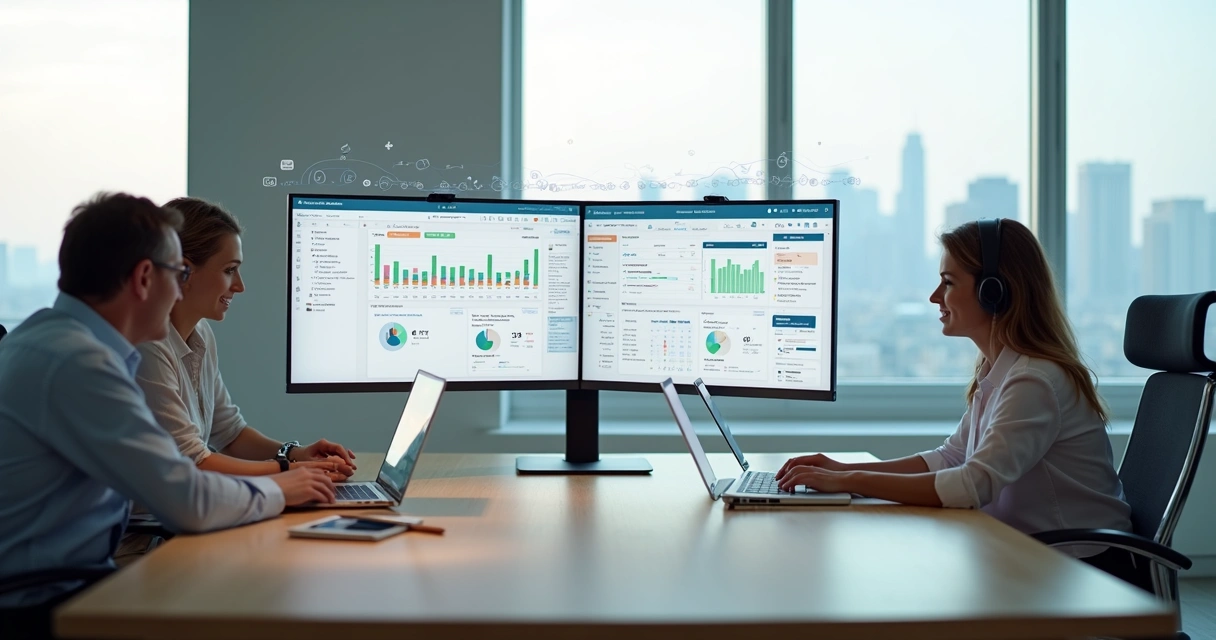
Managing projects from a notebook or a chain of email threads works — until it doesn’t. As client lists grow and team sizes increase, scattered information becomes the main source of missed deadlines, billing disputes, and confused responsibilities.
Management software exists to replace that fragmentation with a single, organized view of your work. This guide covers what to look for, how different types of professionals benefit, and how to get started without overcomplicating your workflow.
What Is Management Software?
At its core, management software is a digital environment that organizes people, schedules, and finances within projects. Instead of tracking tasks in spreadsheets and updates in email, everything lives in one place — accessible by everyone who needs it, in real time.
Good platforms go beyond task lists. They connect:
- Time tracking — who worked on what, for how long
- Cost monitoring — budgets, expenses, and profitability
- Team scheduling — capacity planning and workload visibility
- Collaboration — feedback, documents, and communication tied to tasks
- Reporting — data that supports decisions, not just summaries
Why Freelancers Need It Too
Freelancers often delay adopting management tools, assuming they’re built for larger teams. In practice, solo professionals benefit significantly from structure:
- Clear time logs support accurate billing and eliminate guesswork
- Project templates reduce setup time for recurring work
- Exportable reports provide clients with professional documentation
- Expense tracking prevents reimbursable costs from falling through the cracks
Accurate time records mean invoices that can be trusted by both sides — reducing payment disputes and building long-term client confidence.
Essential Features to Look For
Task Organization and Timeline Visibility
Every project needs a clear map of what gets done, in what order, by whom. Look for platforms that support:
- Task assignments with deadlines and dependencies
- Visual timelines or kanban boards for status at a glance
- Automated reminders for approaching due dates
Time Recording
Without time data, cost control is guesswork. Built-in timers and manual entry options allow teams to capture hours as work happens — not reconstructed at week’s end from memory.
Expense Monitoring
Reimbursable costs and out-of-pocket expenses belong in the same platform as your time logs. When both feed into the same record, invoice generation becomes straightforward and accurate.
Personnel Scheduling and Capacity Planning
Overbooking a team member or leaving capacity unused are both expensive problems. Allocation views that show who has room for new work — and who is at capacity — prevent both.
System Integrations
No tool works in isolation. Check for connections with your accounting software, communication platforms, calendar tools, and document storage before committing to any solution.
Analytics and Reporting
Dashboards that show project health, budget status, and team performance turn raw data into actionable insight. Look for customizable filters and export options.
Real-World Benefits
Teams that make the shift from manual tracking to integrated platforms consistently report:
- Fewer project delays, because blockers are visible before they become crises
- Improved billing clarity, because logged hours directly generate invoices
- Higher team satisfaction, because administrative overhead decreases
These outcomes aren’t limited to large organizations. A two-person agency or a solo consultant with three active clients experiences the same gains — scaled to their context.
How to Get Started Without Overwhelming Your Team
The biggest obstacle to adoption isn’t the software — it’s the transition. A few principles make it smoother:
- Start with one project. Pilot your chosen platform on a single active engagement before rolling out across everything.
- Involve your team early. Resistance drops when people understand the purpose, not just the process.
- Use the free tier. Most good platforms — including Symtime — offer free access for small teams, so you can validate fit before any financial commitment.
- Review after the first month. What’s working? What’s not? Adjust workflows based on real usage, not assumptions.
Choosing the Right Platform
With dozens of options available, the decision comes down to a few questions:
- Does it cover time tracking, cost management, and invoicing in one place?
- Can our team learn it without dedicated training time?
- Does it integrate with the tools we already use?
- Is the pricing predictable as we grow?
Symtime offers a free plan for up to five users, with project tracking, time logging, expense management, and reporting included. It’s built for teams that need real financial visibility without the complexity of enterprise tools.
Frequently Asked Questions
What is the difference between project management software and time tracking software? Project management software handles tasks, timelines, collaboration, and reporting. Time tracking software focuses specifically on logging hours. The most useful platforms combine both, so time data feeds directly into project costs and invoices.
Is management software worth it for a team of three? Yes. Even small teams benefit from centralized task visibility, accurate billing, and shared documentation. The administrative time saved typically exceeds the cost of any paid plan.
How long does onboarding take? For straightforward platforms, most teams are fully operational within a week. Starting with a free tier and a single project reduces the learning curve significantly.
Start your free Symtime trial — up to 5 users, no time limit, no credit card required.
Ready to get started?