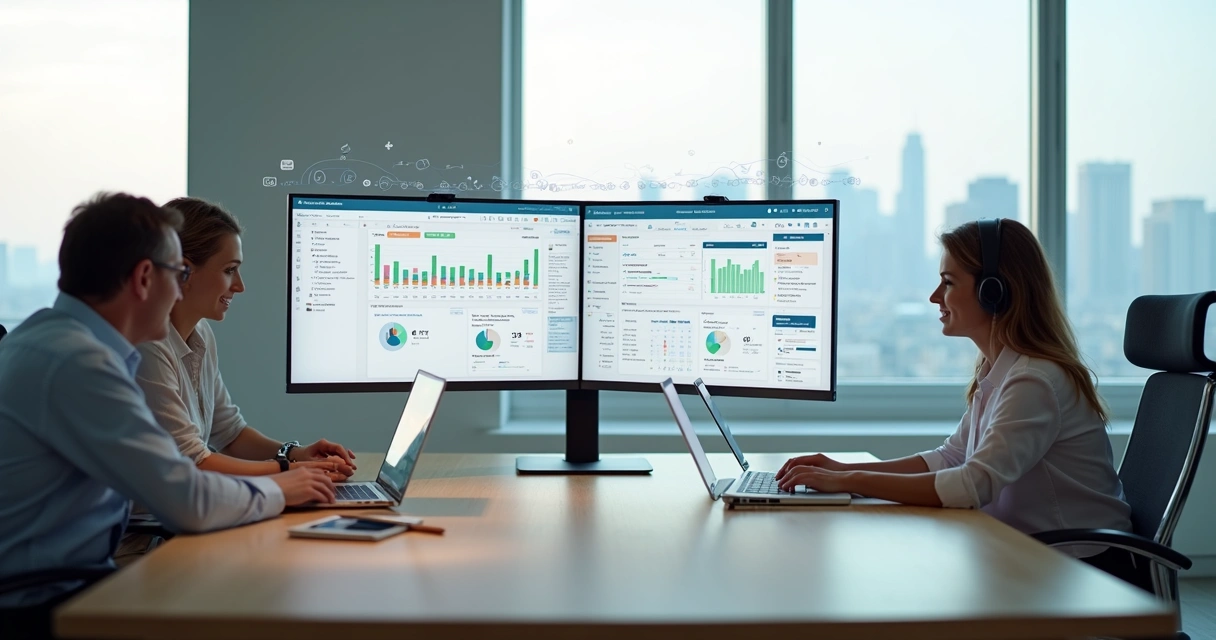
Team Management in Project Work: Tools and Practical Steps
Learn how to define roles, manage workflows, resolve conflicts, and track time with integrated project management tools.

Project work is fundamentally collaborative — but collaboration without structure produces confusion, not results. Columbia University research projects that approximately 2.3 million new project-oriented roles will emerge annually through 2030. As teams grow and projects become more complex, the gap between well-managed and poorly-managed groups widens.
Clear roles, open feedback, and the right tools separate high-performing teams from those that constantly scramble.
Why Team Structure Matters More Than Ever
When roles are undefined and responsibilities overlap, the consequences compound: missed expectations, duplicated work, delayed deliveries, and morale damage. None of these are inevitable. They’re the predictable result of starting projects without a structural foundation.
Good team management answers three questions before work begins:
- Who is responsible for what?
- How do we communicate progress and problems?
- How do we know if we’re on track?
Defining Roles and Responsibilities
Every ambiguity resolved in planning saves hours during delivery.
Assign Clear Leadership
Designate a project manager regardless of team size. Even in flat organizations, someone needs to be accountable for the overall outcome.
Map Specialists to Deliverables
Define roles based on what the project requires, not just what job titles suggest. A developer, a designer, and a content writer each have specific outputs — document those explicitly.
Plan for Gaps
Identify support functions (documentation, finance review, quality checks) and name backups for critical roles. Unplanned absences stop projects when no one else knows what to do.
Use the RACI Framework
RACI is a simple model that prevents overlap and gaps:
- Responsible — the person who performs the work
- Accountable — the person who owns the outcome
- Consulted — people whose expertise is needed
- Informed — stakeholders who need updates
A RACI matrix for each major deliverable takes an hour to create and prevents weeks of confusion.
How Integrated Tools Transform Coordination
Distributed teams — and even co-located ones — lose significant time to fragmented communication. Project management platforms address this by centralizing work:
- Task assignments and automated reminders replace manual follow-ups
- Real-time budget tracking exposes cost overruns before they become crises
- Progress dashboards give everyone the same view without status-update meetings
- Conversation threads tied to tasks keep context where it’s needed
One agency using real-time dashboards to track hours against budgets reported catching scope creep early enough to renegotiate — rather than absorbing the cost after delivery.
Shared platforms don’t just help manage — they protect teams from missed deadlines.
Resource Planning: Matching Skills to Workload
Having the right person on the right task at the right time is the core challenge of resource management.
Practical steps:
- Build profiles for each team member showing skills, role, and current capacity
- Map project deliverables to named owners, not just job categories
- Use allocation views to check workload in real time before assigning new tasks
- Forecast resource needs at the project planning stage, before mismatches occur
Color-coding roles visually in a dashboard reveals who is overloaded and who has room for more — before the problem shows up as missed deadlines.
Visible capacity prevents unplanned fatigue later.
Communication Practices That Keep Projects on Track
Projects fail through miscommunication more often than through skill gaps. Structure your communication deliberately:
Routine Check-Ins
Daily standups or weekly project reviews catch blockers while there’s still time to address them. Keep these short and focused: what’s done, what’s next, what’s blocked.
Centralized Updates
Use a platform where all project conversations live alongside the tasks they reference. This replaces email threads that lose context with searchable, task-linked records.
Transparent Feedback Logs
Document feedback and decisions where the team can access them. When a client requests a change, that change needs to be visible to everyone it affects.
Automated Summaries
Dashboard-generated status updates eliminate the need to hunt through email for project health information.
Managing Common Team Challenges
Resolving Conflict
Conflict is feedback that something needs clarification. When it arises:
- Acknowledge the issue without assigning blame
- Ask both parties to restate their understanding of the expectation
- Use documented agreements to resolve factual disputes
- Escalate when the conflict is blocking work, not just uncomfortable
Supporting Remote Teams
- Set agreed digital working hours and response expectations
- Use video for regular touchpoints — async text communication loses nuance
- Document significant decisions in shared, searchable spaces
- Establish clear escalation paths for time-sensitive issues across time zones
Giving and Receiving Feedback
- Focus on specific behaviors, not personality
- Make feedback regular, tied to milestones — not saved for annual reviews
- Encourage upward feedback from junior team members
- Record key feedback in project notes so patterns become visible over time
Monitoring Progress With Data
Real-time tracking tools provide the information teams need to course-correct before problems escalate:
- Live dashboards show tasks at risk and hours approaching budget limits
- Automated alerts notify managers when costs exceed thresholds
- Historical comparisons across project cycles reveal improvement trends
- Early issue detection converts potential crises into manageable adjustments
Building a Culture of Continuous Improvement
Sustained team performance requires learning from each project:
- Review time and cost logs after major deliverables
- Conduct team debriefs using data, not impressions
- Share performance analytics openly so team members can see their contribution
- Use post-project findings to update estimates, templates, and processes
What gets measured, gets improved.
Frequently Asked Questions
What is team management in project work? Organizing and guiding a group of people to complete shared objectives within defined constraints, covering role definition, task distribution, progress tracking, communication, and conflict resolution.
What tools help manage project teams? Platforms that combine task assignment, time tracking, budget monitoring, team communication, and real-time dashboards reduce coordination overhead and prevent the most common failure modes.
How do you improve communication in a distributed team? Establish regular check-ins, set clear response expectations, centralize updates within project software, link conversations to tasks, and make feedback a routine part of project milestones.
What are the most common team management challenges? Unclear roles, poor communication across time zones, uneven workload distribution, unresolved conflicts, and difficulty adapting to scope changes.
How can you motivate a project team? Connect work to meaningful outcomes, give team members ownership over their deliverables, recognize contributions specifically and promptly, and demonstrate that feedback leads to real process improvements.
Start your free Symtime trial — connect plans, workloads, budgets, and results in one platform. Free for up to 5 users.
Ready to get started?