Team Project Management Software: 7 Tools for Better Control
Discover 7 essential team project management software features with time tracking, cost control, reporting, and collaboration capabilities.

Research consistently shows that high-performing organizations treat project oversight as a central operational pillar — not an afterthought. Yet many teams still manage their work through disconnected spreadsheets, email threads, and manual status updates that obscure reality until a deadline is already missed.
Modern project management platforms exist to solve this. The best ones combine visibility, financial control, and team coordination in a single environment. Here are the seven tool categories that make the biggest difference.
Why Digital Project Tracking Has Become Non-Negotiable
Manual tracking fails for distributed teams in predictable ways: information lives in different places, updates arrive late, and by the time a problem is visible it’s already expensive.
Digital platforms address this through:
- Real-time alerts when tasks or budgets reach risk thresholds
- Historical records that support post-project learning
- Financial controls that prevent overruns rather than documenting them
- Unified visibility across teams working across locations and time zones
The question is no longer whether to use a platform, but which capabilities to prioritize.
1. Integrated Time and Expense Tracking
The foundation of financial control is knowing where hours go and what costs are accumulating. Look for:
- Timer-based logging with manual entry for offline work
- Project-level categorization that separates billable from non-billable time
- Expense attachment so costs link directly to the tasks that generated them
- Filtering by client, project, team member, and date range for invoice preparation
Without this foundation, budget conversations are based on estimates rather than evidence.
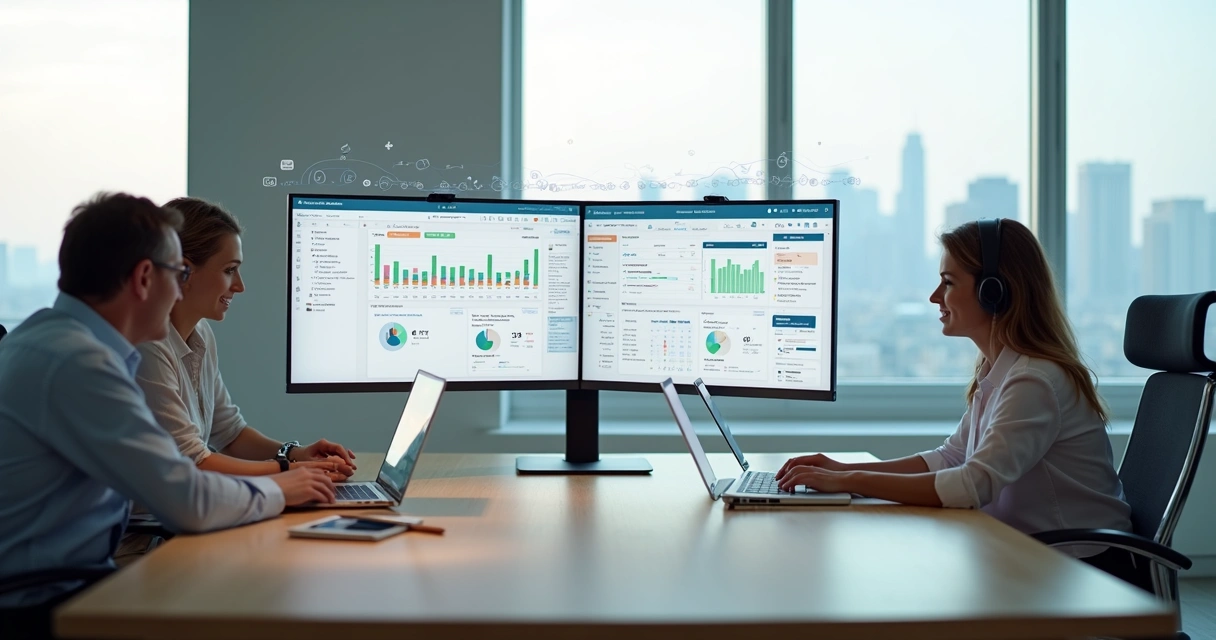
2. Live Dashboards and Visual Project Insights
Status meetings exist to answer questions that dashboards should answer automatically. Real-time visual tools show:
- Task completion rates against planned timelines
- Budget consumption versus remaining allocation
- Hours logged versus estimated for each project phase
- Upcoming deadlines and tasks at risk
When everyone sees the same current data, the conversation shifts from “where are we?” to “what do we do about it?“
3. Task Assignment and Workflow Controls
Clear ownership prevents tasks from falling into the gaps between roles. A strong task management system includes:
- Role-based assignment with single-point accountability
- Customizable workflow states (backlog, in progress, review, done)
- Calendar integration for deadline visibility
- Priority flags for urgent items
The goal is that anyone on the team can open the platform and immediately understand what needs attention.
4. Centralized Communication and File Sharing
Context lives where conversations happen. When discussions are tied to specific tasks:
- Decisions are searchable and accessible to anyone who joins later
- Documents are versioned and connected to the work they support
- Feedback loops don’t rely on email threads that fragment context
- Onboarding new team members becomes significantly faster
Removing the separation between “where we work” and “where we talk” eliminates a major source of coordination overhead.
5. Automated Reminders and Workflow Triggers
Manual follow-up is time that could be spent on actual work. Automation capabilities to look for:
- Deadline reminders that go to task owners without manager intervention
- Status-change triggers that notify relevant stakeholders automatically
- Recurring project templates that reduce setup time for repeat work
- Escalation rules when tasks remain blocked past a threshold
Teams that automate routine coordination reduce administrative overhead significantly and free managers for higher-value work.
6. Customizable Reporting and Analytics
Default reports answer generic questions. Customizable analytics answer your specific ones:
- Which clients are most and least profitable per hour invested?
- Which project types consistently run over budget?
- How has team utilization changed over the past quarter?
Look for drill-down capabilities, date range filters, export options, and scheduled report delivery. The best platforms let you build the view you need rather than forcing you to work around a fixed template.
7. Integrated Billing, Invoicing, and User Management
The last mile between project completion and payment should be automatic, not manual. Billing tools to prioritize:
- Invoice generation directly from approved time entries and expenses
- Custom rate configuration by user, role, task type, or client
- Granular access controls so team members see only what they need to
- Payment status tracking within the same platform
When time tracking connects directly to invoicing, billing cycles compress and disputes decrease.
Who Benefits Most
Freelancers use these platforms to track billable hours precisely, build reusable project templates, and provide clients with transparent documentation — all without dedicated accounting software.
Small agencies manage parallel workstreams, prevent resource conflicts across clients, and generate invoices without manual data entry.
Internal teams standardize reporting for leadership visibility, control budget consumption in real time, and build institutional knowledge through project archives.
Consultants demonstrate effort transparently to clients, justify billing decisions with data, and protect margins through accurate cost tracking.
Evaluating and Choosing a Platform
Five steps to a confident decision:
- List your core needs — time tracking, task management, billing, reporting, integrations
- Confirm team size and access requirements — who needs full access versus read-only?
- Run a trial on a real project — not a demo environment, but actual work
- Test integrations — does it connect to your accounting tool, calendar, and communication platform?
- Evaluate support and scalability — will it grow with you without becoming expensive to maintain?
Symtime offers a free plan for up to five users with time tracking, project management, expense logging, and reporting included. It’s designed to provide the financial clarity that growing teams need without the complexity of enterprise platforms.
Migration Tips
If you’re switching from spreadsheets or a previous platform:
- Start with a single project to validate the workflow before full rollout
- Involve all user roles in the initial setup — not just managers
- Use built-in guides and templates rather than building from scratch
- Test across devices, including mobile, before committing
Frequently Asked Questions
What features should project management software always include? At minimum: task assignment with deadlines, time tracking linked to tasks, budget monitoring, team communication, and reporting dashboards. Billing integration is a significant bonus.
Is project management software worth it for small teams? Yes. The administrative time saved, billing accuracy gained, and deadline visibility provided typically outweigh the cost of any paid plan — and free tiers eliminate the financial risk of trying.
How do I get my team to actually use a new platform? Involve them in the decision, start with a small pilot, make the purpose clear (visibility, not surveillance), and connect adoption to outcomes they care about — fewer status meetings, cleaner invoices, less overtime.
Start your free Symtime trial — free for up to 5 users, no credit card required.
Ready to get started?